
Welcome to
Gemini Pro
A new way to collect information, get questions answered, study, and more.
Need a Gemini Pro license? Faculty and Staff can request access by emailing the IT Help Desk to submit a ticket.
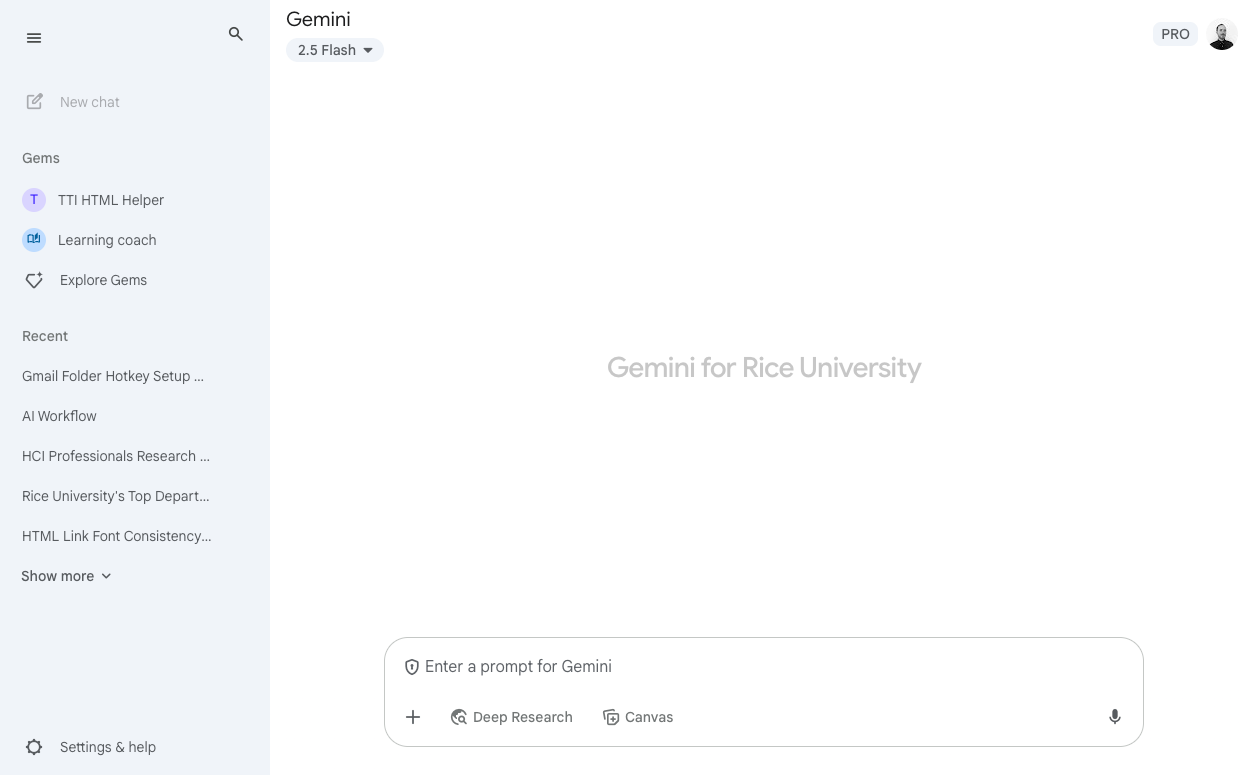
What is Gemini Pro?
Gemini Pro is a powerful, multi-model AI tool designed to help you with a wide range of tasks, from generating creative text formats to answering complex questions, summarizing information, generating images, and assisting with coding.
Frequently Asked Questions
Who can access Gemini Pro?
Only faculty and staff. No student licenses are available at this time.
How can I access Gemini Pro?
If you already have a license, you can access Gemini Pro by selecting the 'Launch Gemini Pro’ button on this page and signing in with your Google account. If you don’t have ‘Pro’ access, please email the IT Help Desk (helpdesk@rice.edu) to submit a license request ticket.
What can I use Gemini Pro for?
Gemini Pro is a versatile AI tool that can significantly enhance your productivity and creativity. You can use it to:
- Generate creative content such as code, emails, routine communications, images, and more.
- Summarize complex documents or articles, extracting key insights and main ideas quickly.
- Answer questions comprehensively and informatively, drawing from a vast knowledge base.
- Assist with coding tasks, including generating code snippets, debugging, and explaining programming concepts.
- Brainstorm ideas for projects, stories, presentations, or any creative endeavor.
- Translate languages accurately and contextually.
- Help with research by providing structured information and different perspectives on topics.
Where can I learn more about Gemini Pro?
You can learn more about Gemini Pro through official Google AI documentation, blog posts, and tutorials, or by reaching out to the Innovation & Architecture team.
Here are some general resources to start with: